
- Info.
- Products
Digital Wireless System
Integrated Conference System
Wired Microphone
Audio Assistance - Kits
- XDC236 Series
- Products
- Products
- Components
Analog Wireless System
Wireless Conference System
Antenna
Acessories - Kits
- WDC210 Series
- Products
- Components
- Components
Digital Wired Conference System
- DC190 Series
- Others
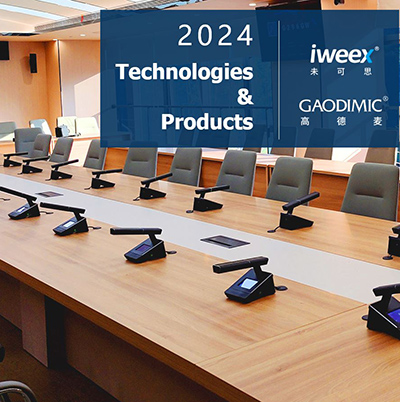
[EN/ES/IT] Guide of OTA Upgrade
Please refer to the OTA upgrade guide to operate.
Portable Rx does not supports OTA Upgrade.
Guide of OTA Upgrade
Some iweex / GAODIMIC products support OTA upgrades. Currently, only upgrade operations based on the Android platform are supported.
Please refer to the OTA upgrade guide to operate.
For support, please contact us or your local Dealer.
ATTN: Please perform OTA upgrade operations in compliance with local laws and policies.
1. Introduction to upgrade steps
Download the OTA installation package and upgrade the Bin file – Install OTA – The target device enters OTA mode – Select the bin file and OTA upgrade.
2. Download OTA Software
Method 1:
Download the zip file : "OTA_Telink.zip" and extract it to the file of "OTA_Telink.apk" , then, it can be intalled in Andriod phone.

Method 2:
Download the file : "OTA_Telink.apk" in your phone, then, it can be intalled in Andriod phone.

3. Guide Document.
English: 1_Guide_EN_OTA Upgrade_20250712.pdf
Spanish: 1_Guide_ES_Actualización OTA_20250712
Italian: 1_Guida_IT_Aggiornamento OTA_20250712
4. Software Upgrade Package
Please visit the introduction webpage of each product. If the product supports OTA upgrade, the latest software upgrade file will be marked on the product details page.
The software upgrade files for each product are generally bin files.
TEL : (+86)18665358040
Email :sales@infosvc.biz
Facebook : @GAODIMIC | Ins : @GAODIMIC



Shenzhen infoSVC Information Technology Service LLC
www.infosvc.biz